CAM 03 · DINING ROOMREC
THE WINDOW
Something big walks past the window, outside, in the dark. The door beside it stays open.
Upload photos of your own rooms, garden or venue. AI turns them into a live security monitor where something is very wrong. It plays on any TV, all night.
Drag photos hereYour camera roll is fine
4, 9 or 16 photos of your house, garden or venue
JPG, PNG or HEIC. Phone photos are perfect.
From $69$99, paid once. Ready in about an hour. Refund in one click until filming starts.
Founding price: 30% off the first 20 monitors.
It's Halloween. Start filming now and your monitor is live in about an hour.
A quiet one, people passing, and something wrong. The monitor mixes them all night so you never know which camera to watch. Drag the strip to look closer.
Something big walks past the window, outside, in the dark. The door beside it stays open.
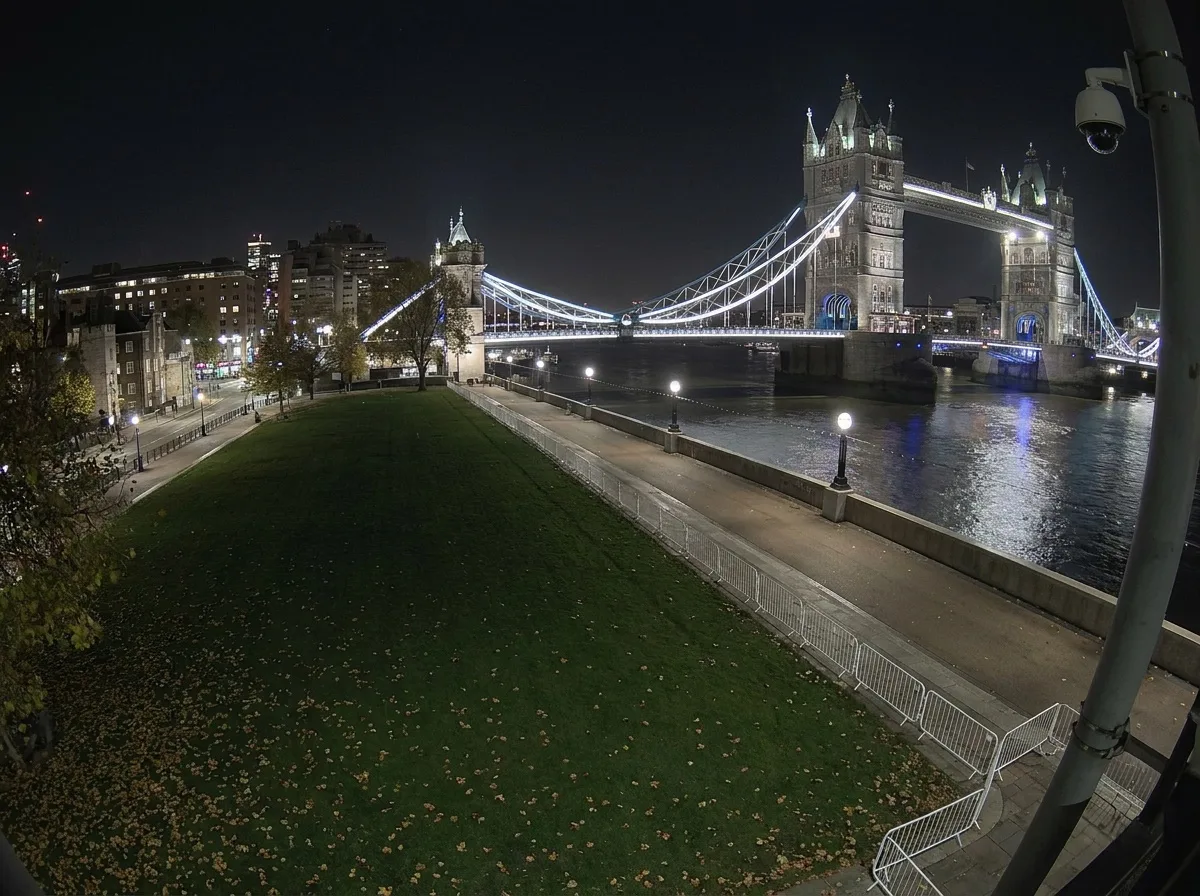
A tentacle comes up out of the Thames and takes hold of the bridge. Two agents open fire from the lawn.
The kitchen door swings open. Something far too tall drags a chair across the canteen, then looks up.
The reflection of the lamp breaks apart. Then something crawls up the bank.
Nothing happens. A light hums. Most of the night looks like this, which is what makes the rest work.
The screen comes on to static. Every chair turns to face it. Someone is waiting at the glass.
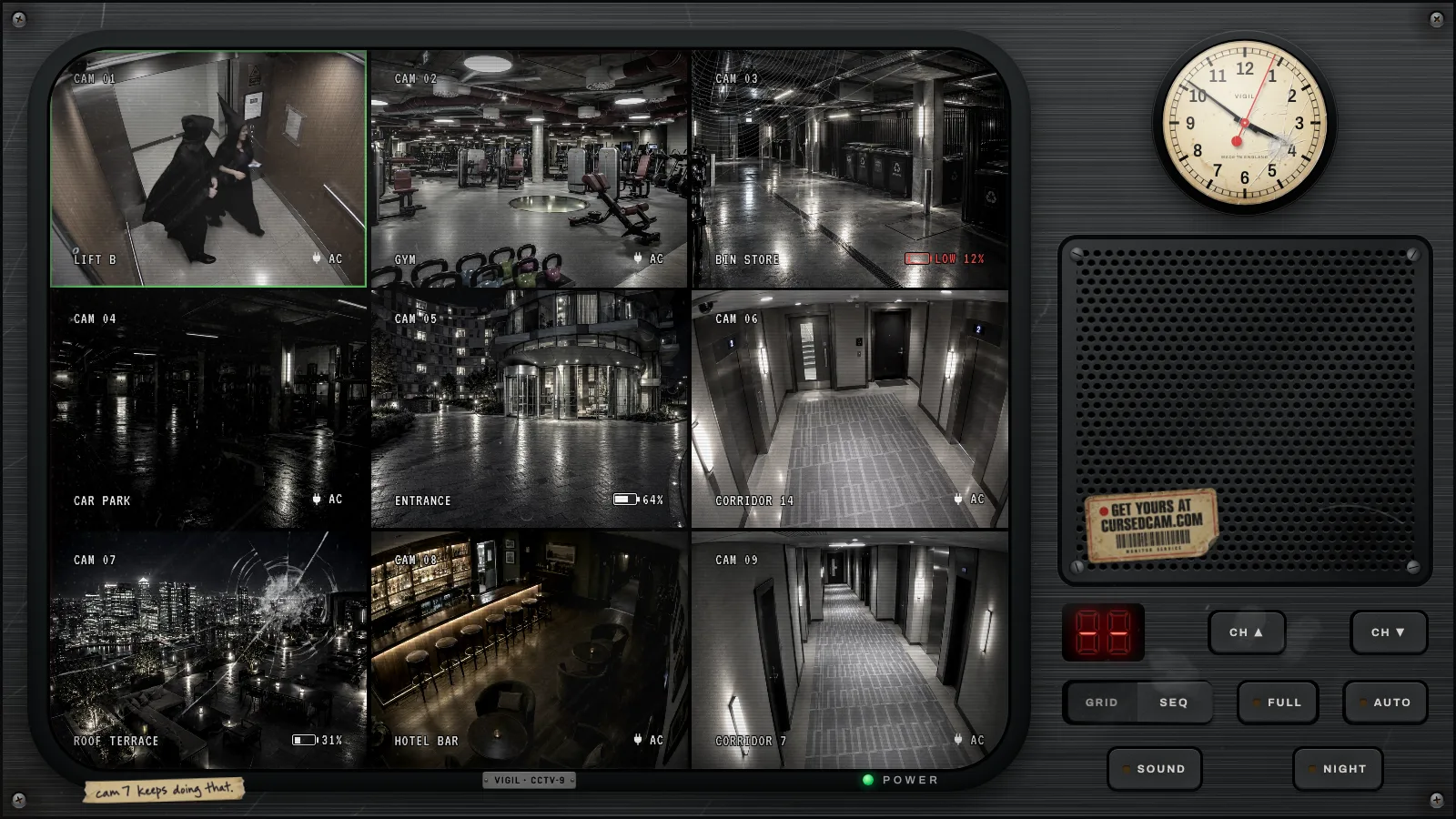
A couple in costume step into the lift on their way to a party, through the doors, at their real size.
Between the trunks, something very long and very many-legged goes by.
The lift is empty. Then a grey hand curls round the door.
The desk lamps go out one by one. Something walks out of the lift lobby, much too slowly.
Your best scare comes round more often, and the monitor always cuts to it full screen.
Something too big steps out of the lift. Then it turns up on the next camera, and the next.
Officers sweep the gym in the dark. Nobody tells you what they're looking for.
The pool turns red, slowly, from the bottom up.
Something wrapped in old bandages gets up off a bench.
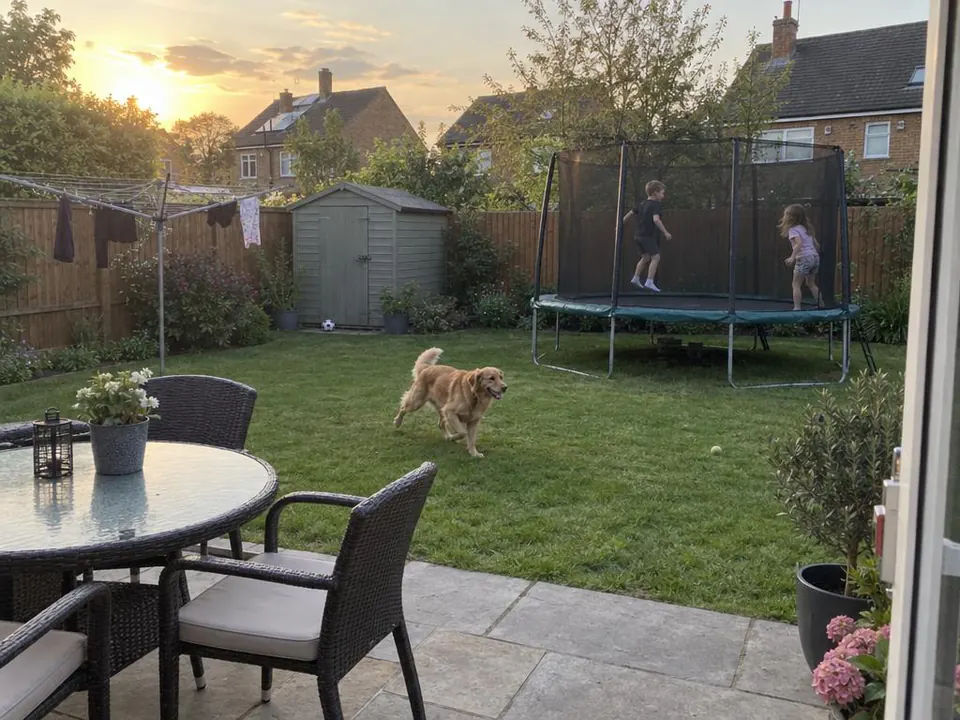
This is a real one: a phone photo, the night camera we make from it, and a clip filmed on that camera.
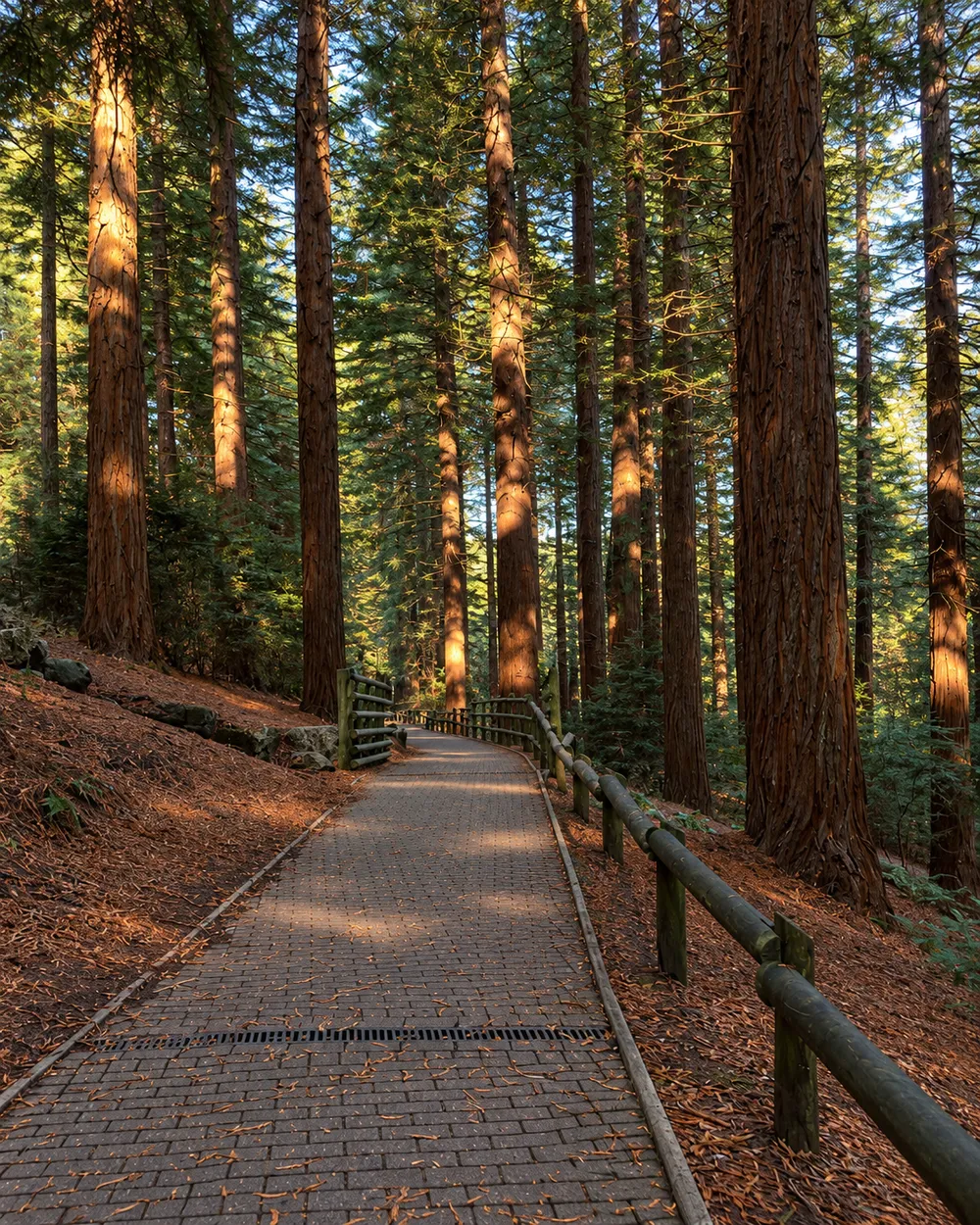 1 · YOUR PHOTO
Any room, hallway, garden or venue. Phone photos are perfect.
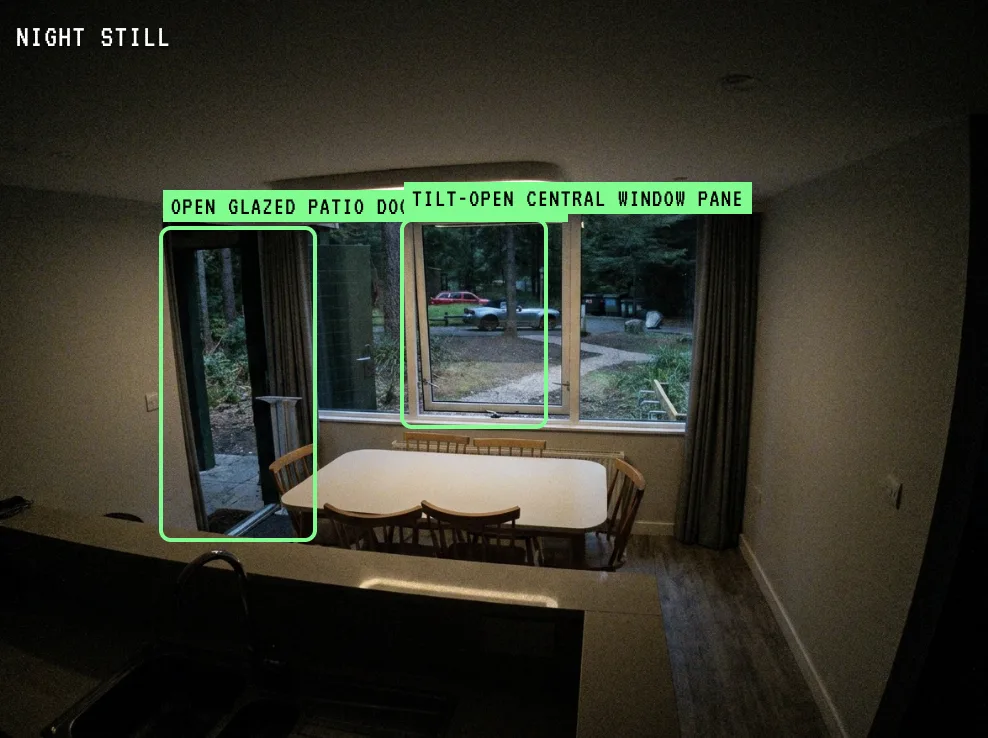
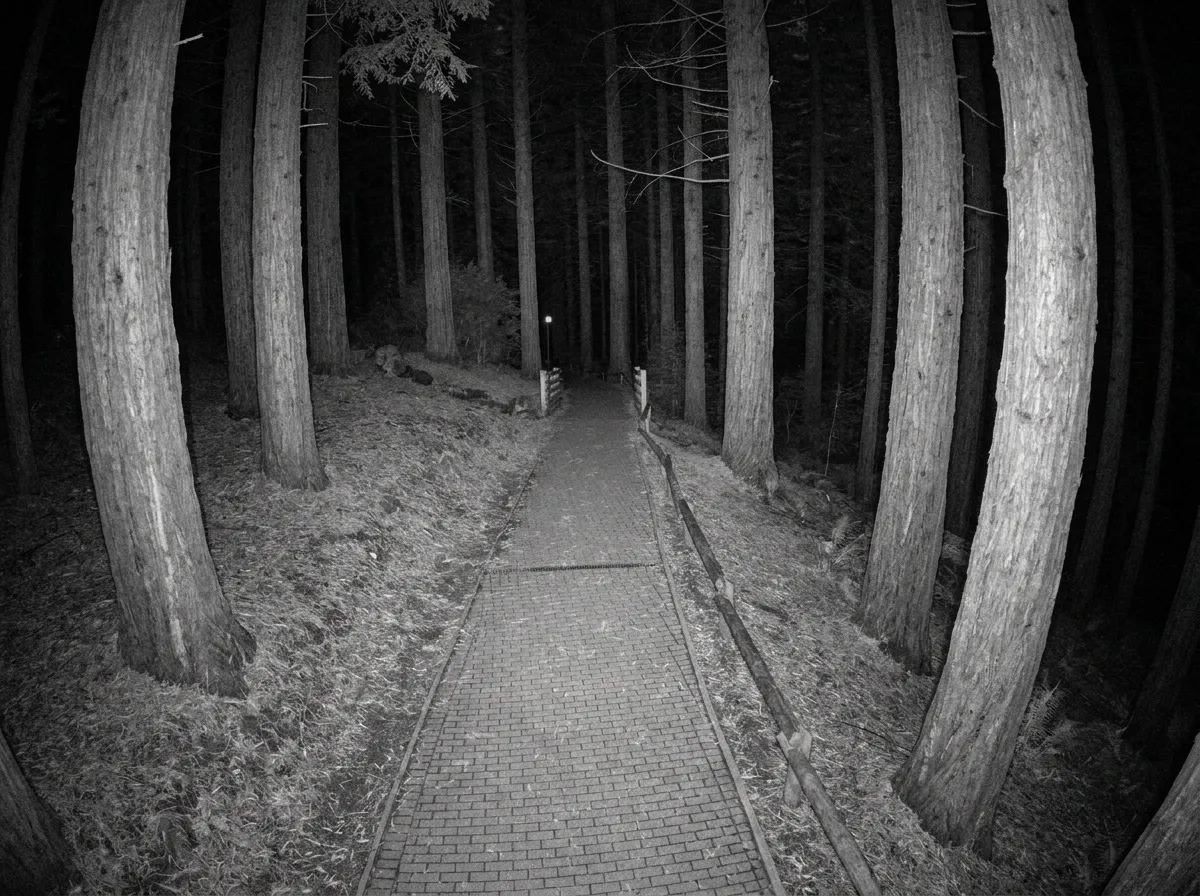 2 · NIGHT STILL
Lifted to the ceiling corner, the lights turned down, every person and pet taken out.
Filmed from that still, checked, and looped on your monitor.
We lift the camera to the ceiling corner like a real CCTV camera, turn the lights down, and take every person and pet out of the picture, so the room is empty and ready for something to happen. Drag the line.
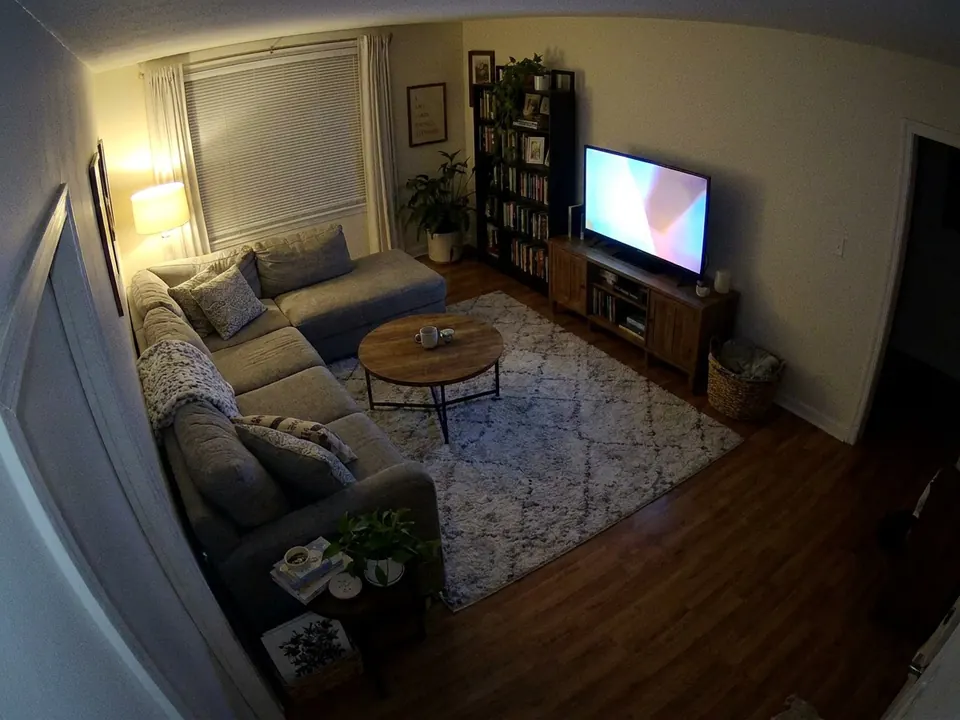
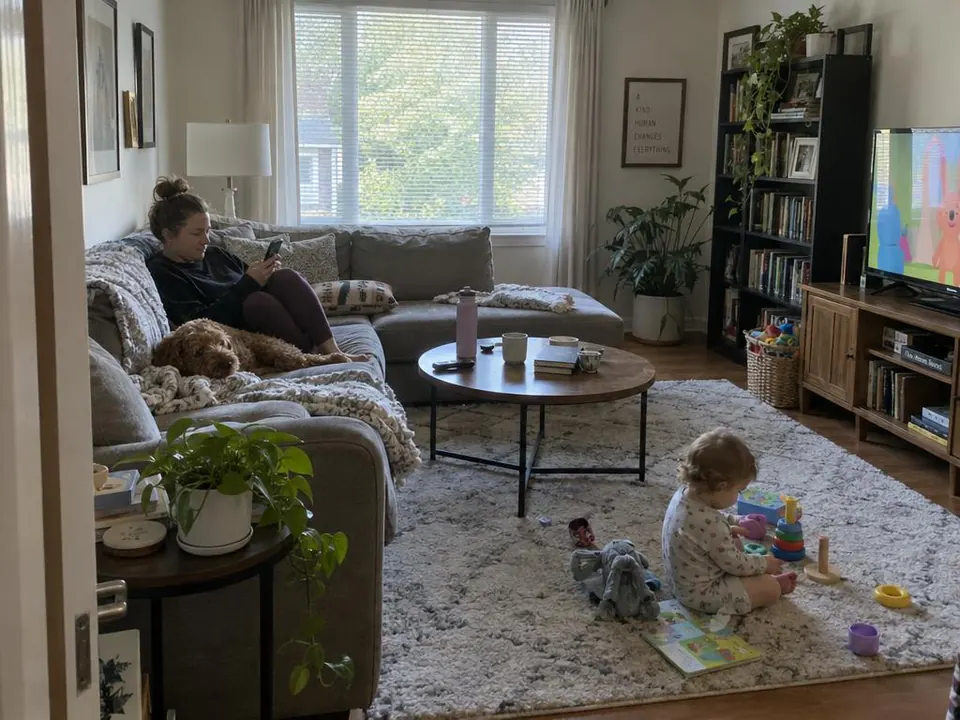 YOUR PHOTOYOUR CAMERA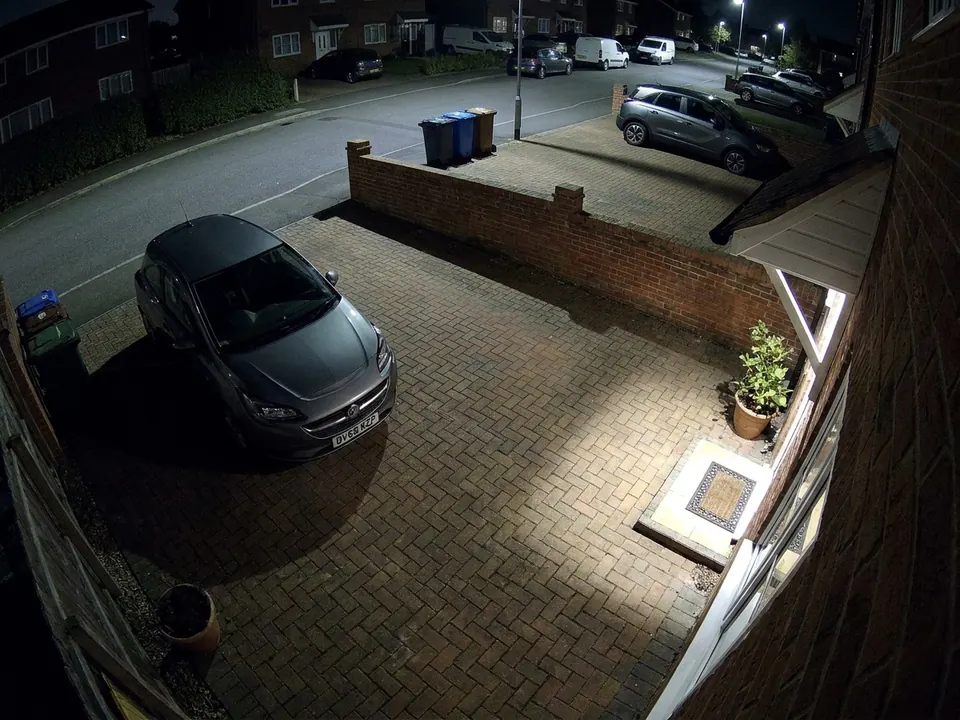
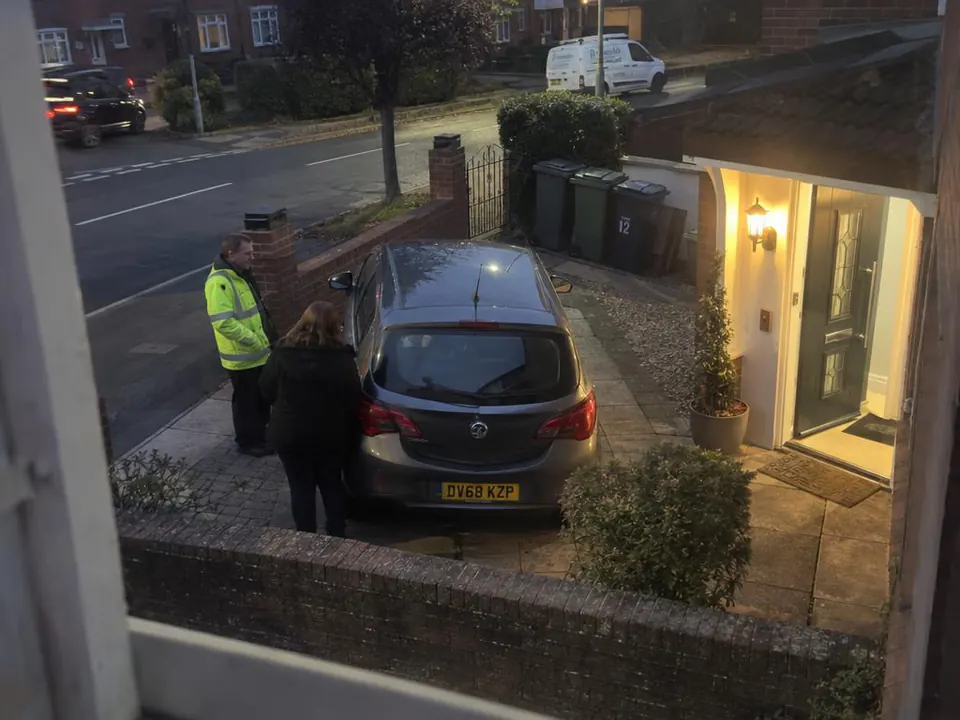 YOUR PHOTOYOUR CAMERA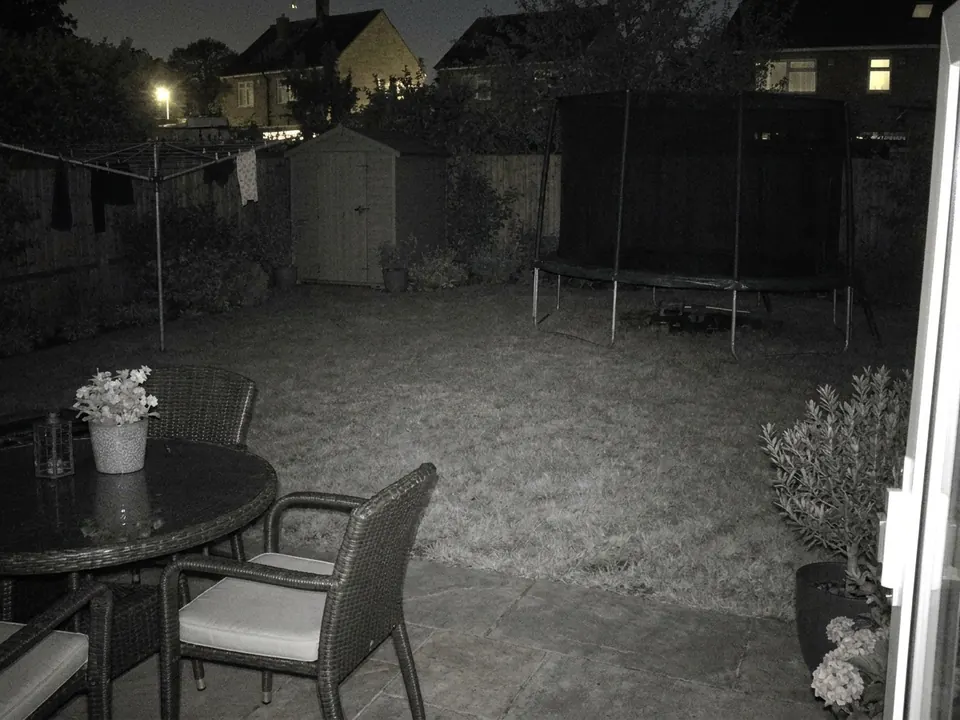
 YOUR PHOTOYOUR CAMERA
We find every door, window and gap in each picture, and what is in the room, at what size. From that come the rules: what can come in where, and what must never happen. Nothing walks through a wall, and whatever walks past a window or a doorway is seen at each one.
ABOUT THIS SCENE
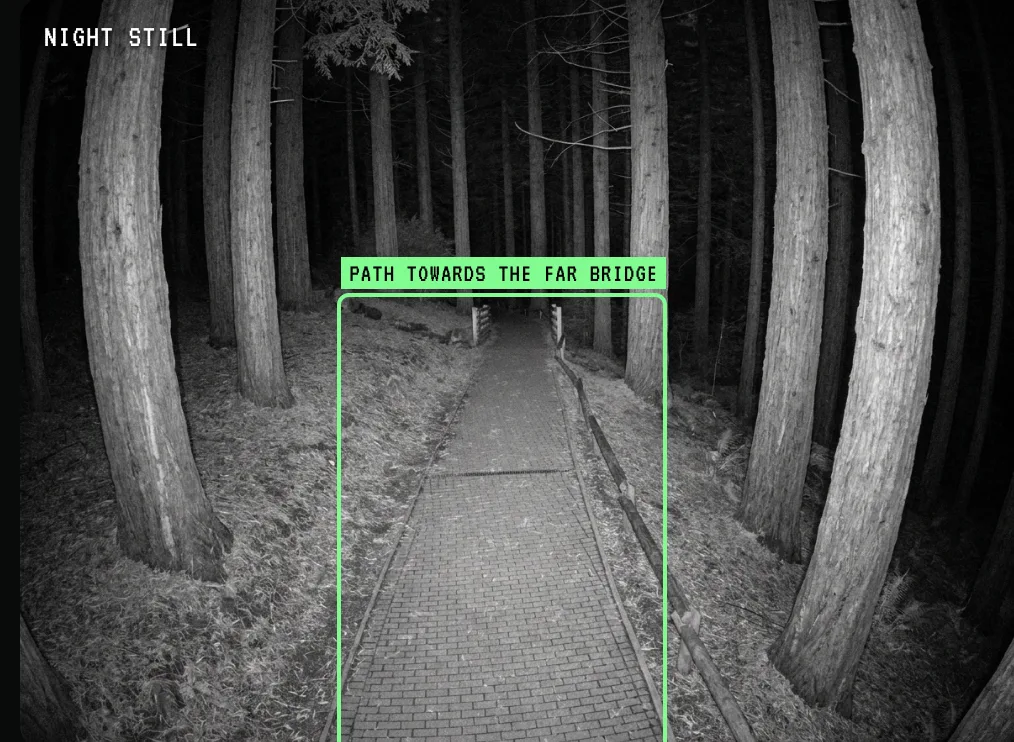
CAM 02 · FOREST PATH
SCARE · 18S LOOP
NOW · 0.0S
The empty brick path runs straight between the redwoods to the small wooden bridge under the glowing distant lamp post; nothing moves.
This is the real storyboard this clip was filmed from. Tap any beat to jump to it.
The storyboard is written against those rules, beat by beat, and you can watch every clip with its plan in your control room. If a clip breaks a rule, a second pair of eyes sends it back before it reaches your monitor.
One slider, five levels: from a light that flickers and a door that eases open, up to something huge in plain view that makes people step back from the TV. Set it for the whole monitor, then change any single camera. There is no gore at any level.
A family party? Start at Eerie. A haunted attraction? Go all the way.
Clearly wrong: a figure or shape seen plainly but briefly, moving slowly and unnaturally, then leaving.
I built a haunted security monitor for my own Halloween party this year. Then I turned it into something you can make for yours, from your own photos.
No subscription. Your monitor stays live for a year, and Pro lets you download every clip.
FOUNDING PRICE · 30% OFF
19 of 20 left
The first 20 monitors get 30% off the plan, for good. 1 taken. When they're gone, the price goes up.
Founding price: 30% off the first 20 monitors.
Every clip is made fresh for your place on the best AI there is, because cheaper AI gets the details wrong: people the wrong size, feet sliding, someone melting into the floor. The best costs more per second, and we pay for every second.
A Haunt monitor is 27 clips, close to six minutes of footage, made for your place alone.
Refunds in one click until your clips start generating. After that the AI compute is spent, so no refunds, but remakes are free within your plan.
4, 9 or 16 of them: the hallway, the garden, the garage. Phone photos are perfect.
Each photo becomes a night-time CCTV camera: up in the ceiling corner, lights down, nobody in it.
Say what should happen on each camera, or let us pick. About an hour later every clip is in.
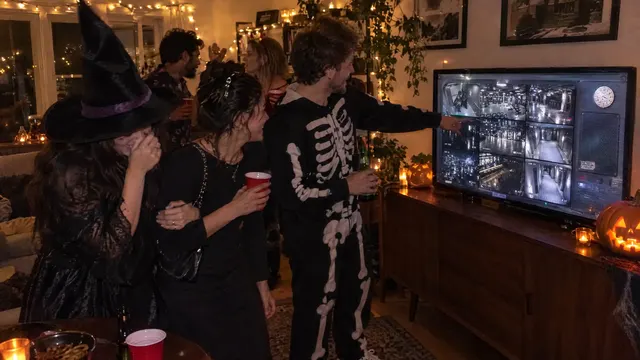
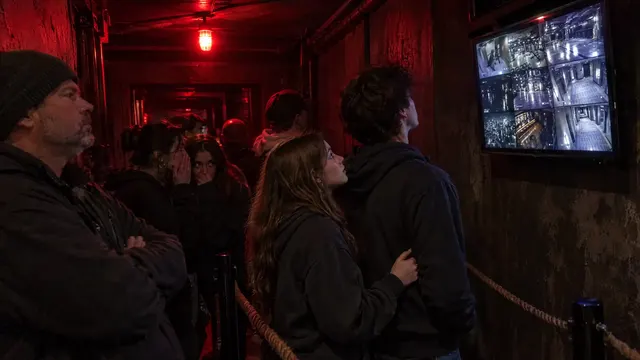
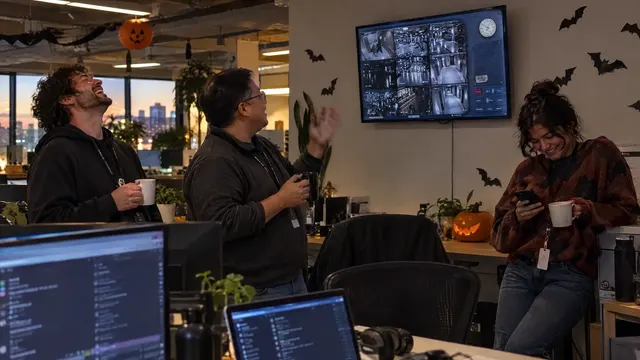
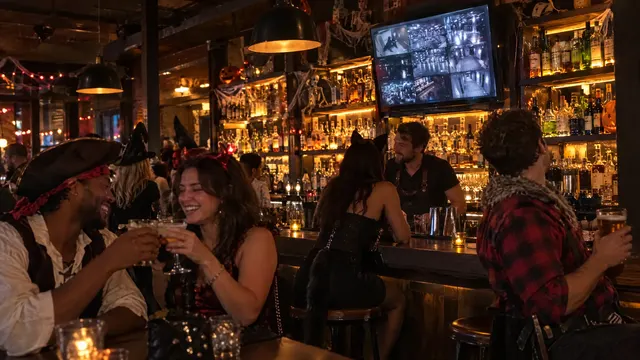
Open your link on any screen, go full screen, and wait for someone to notice.
Your monitor is a private link that runs in any browser, built for every screen: laptops, desktop computers, TVs, monitors, iPads, tablets and phones. Put it wherever people will see it. The bigger the screen and the more people walk past it, the better it works.
The TV
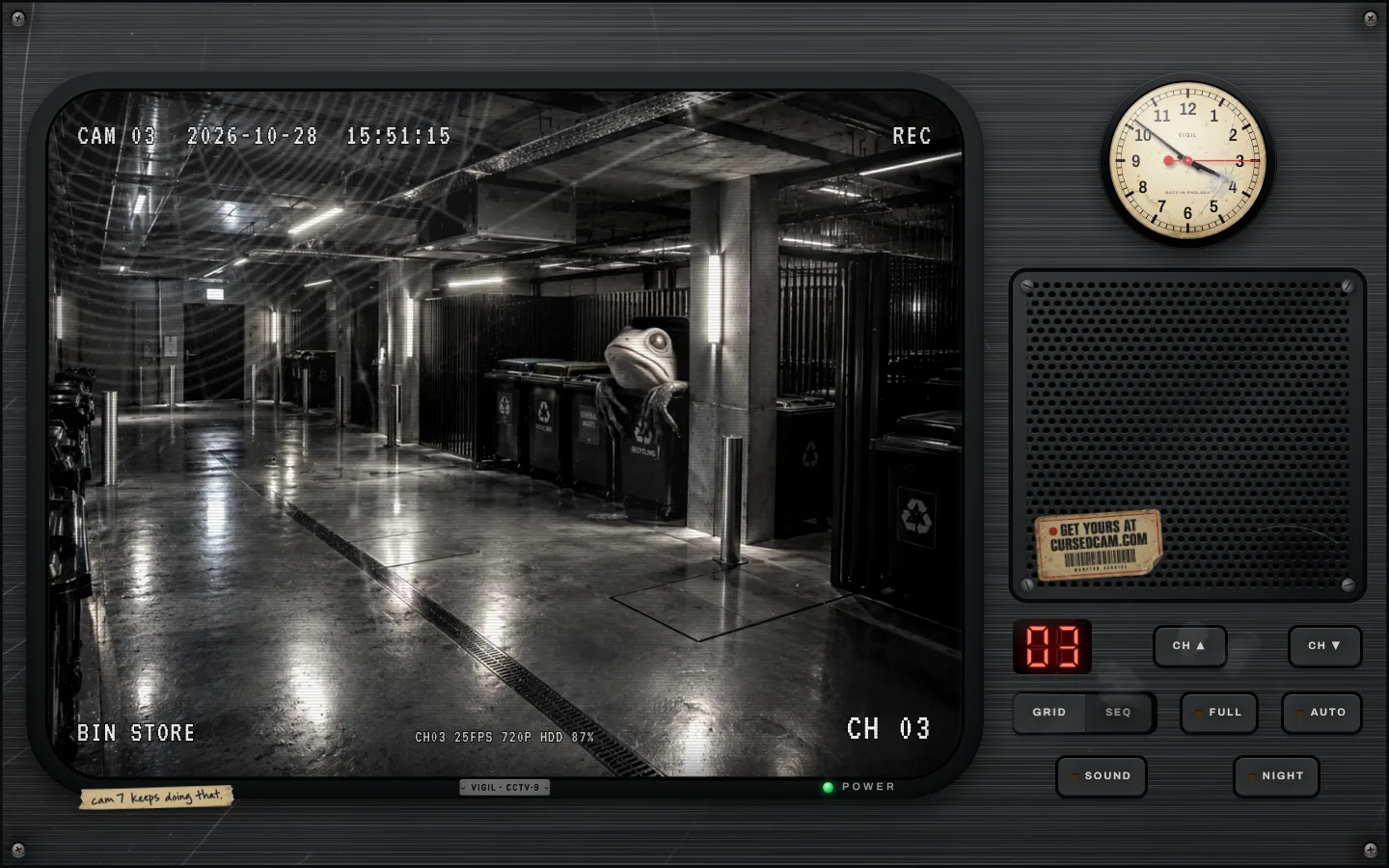
Laptop or desktop
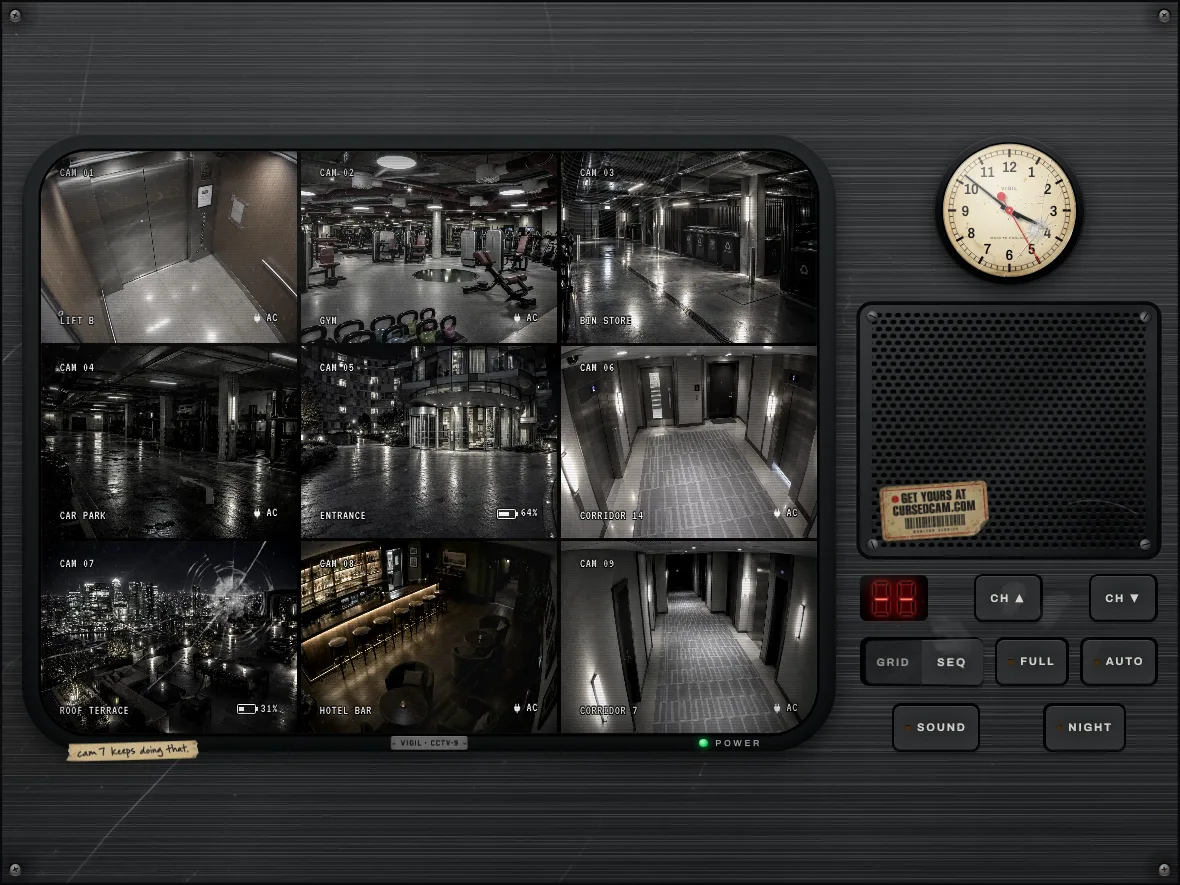
iPad or tablet
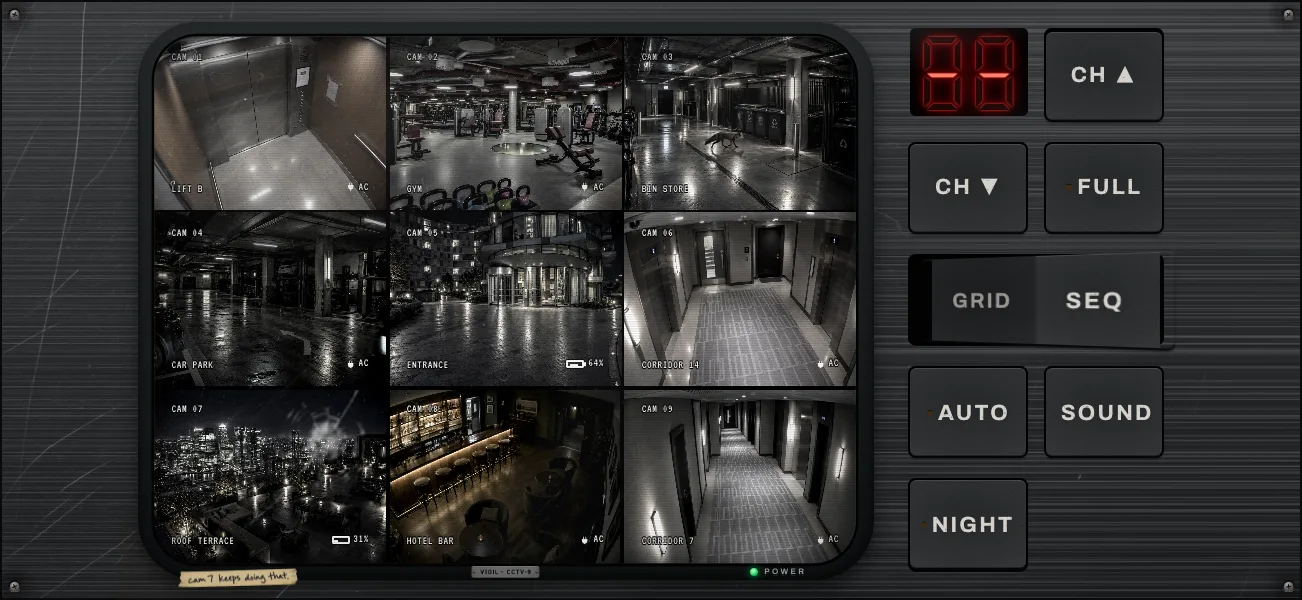
Phone, on its side
Your monitor
cursedcam.com/tv/Kq7vRm2XeN9wBcZ4pL
Open it on any screen and press F for full screen. Send it to anyone who should see it. It's long and random, so only people you give it to can find it.
Your control room
cursedcam.com/m/Xw3nTf8YpB2kQrJv5Z
Yours alone: remakes, downloads, extras. We email it to you and it opens straight away on your devices.
Wide shots from up high, like a security camera would have: a corner of a room, a hallway, a garden from an upstairs window, a driveway. Phone photos are perfect. Daylight is fine, we turn every one into night.
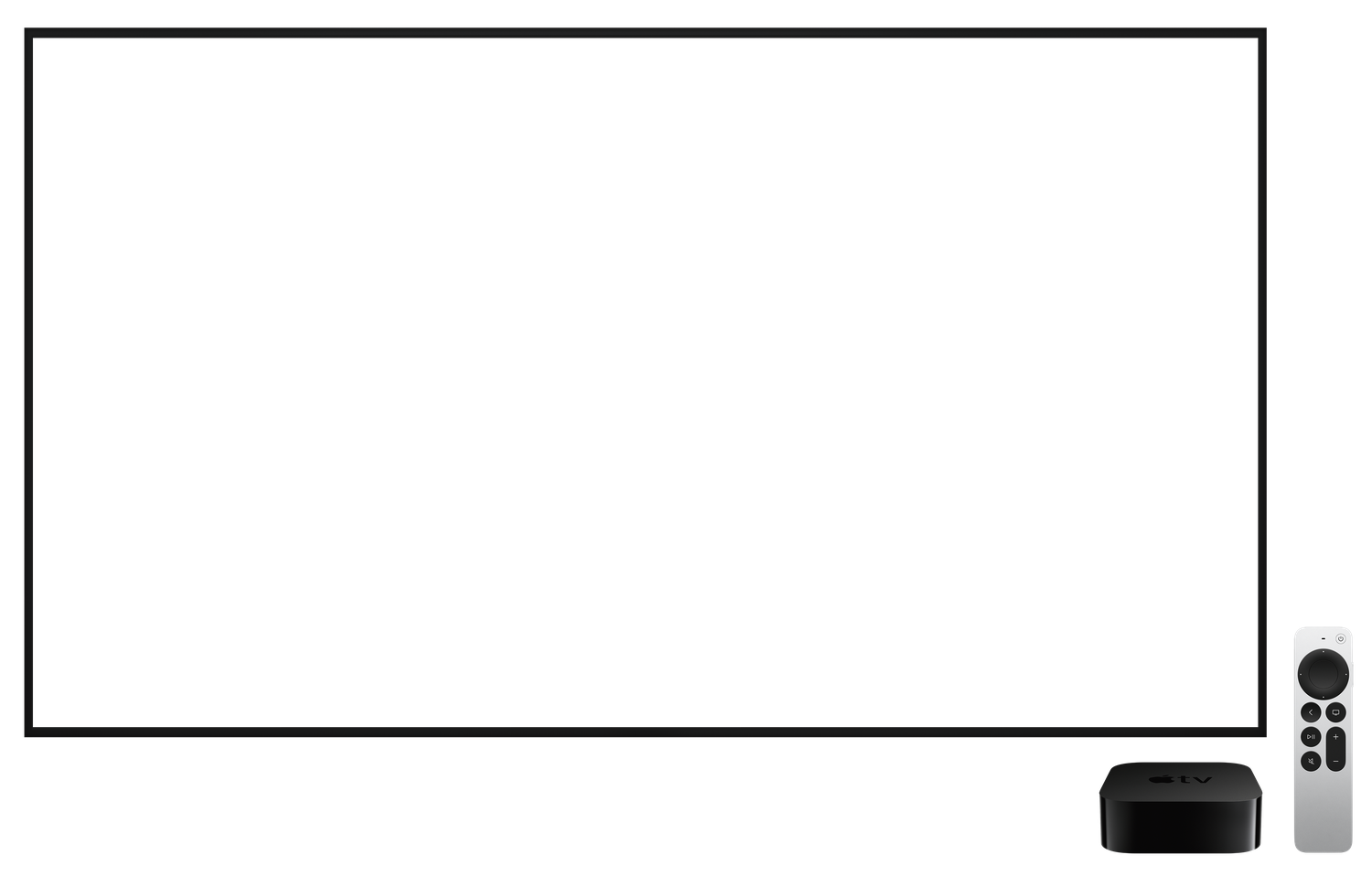
You get a private monitor link. Open it on a laptop and AirPlay or cast it, or open it straight in your smart TV's browser. Press F for full screen. It runs all night without repeating the same thing back to back.
Yes. A slider sets the scare level for the whole monitor, from Eerie (a light flickers, a door eases open by itself) up to Nightmare (something huge in plain view that makes people step back from the TV). You can also set it for a single camera, on the order page or in your control room before filming starts. There is no gore at any level.
Usually about an hour. Each camera lights up on your monitor as its clips are ready, so you can watch it come together. Rush puts yours first in the queue.
No. It looks like real CCTV, but every clip is 100% AI-made from your photos. Please don't pass it off as real evidence of anything.
Every clip is checked by AI before you see it: true scale, real physics, nobody vanishing into thin air. If one still looks off, hit remake. Each plan has free remakes.
They're only used to make your clips. We never train on them, your monitor is private to you, and you can delete everything any time. Only upload places you own or have permission to film.
Yes, before your clips start generating: one click, no questions. Once they're generating the AI compute is spent and I can't get it back, so refunds stop there. Remakes are free within your plan.
Yes, with Pro. It includes a commercial licence and MP4 downloads of every clip without a watermark.
Me, James. I built it for my own Halloween party: a monitor showing my building, where something was very wrong on every floor. Then I thought you might want one of your own.
Upload four photos and it's on your screen in about an hour. Pay once, from $69$99. Refund in one click until filming starts.
Founding price: 30% off the first 20 monitors.
Drag photos hereYour camera roll is fine
4, 9 or 16 photos of your house, garden or venue
JPG, PNG or HEIC. Phone photos are perfect.